Stereo width with one knob: wider, not louder
How to set stereo width with VEIRA Imager Lite: widen at the same loudness, make a mono part stereo without changing it in mono, keep the low end in the centre, and check the result in mono.
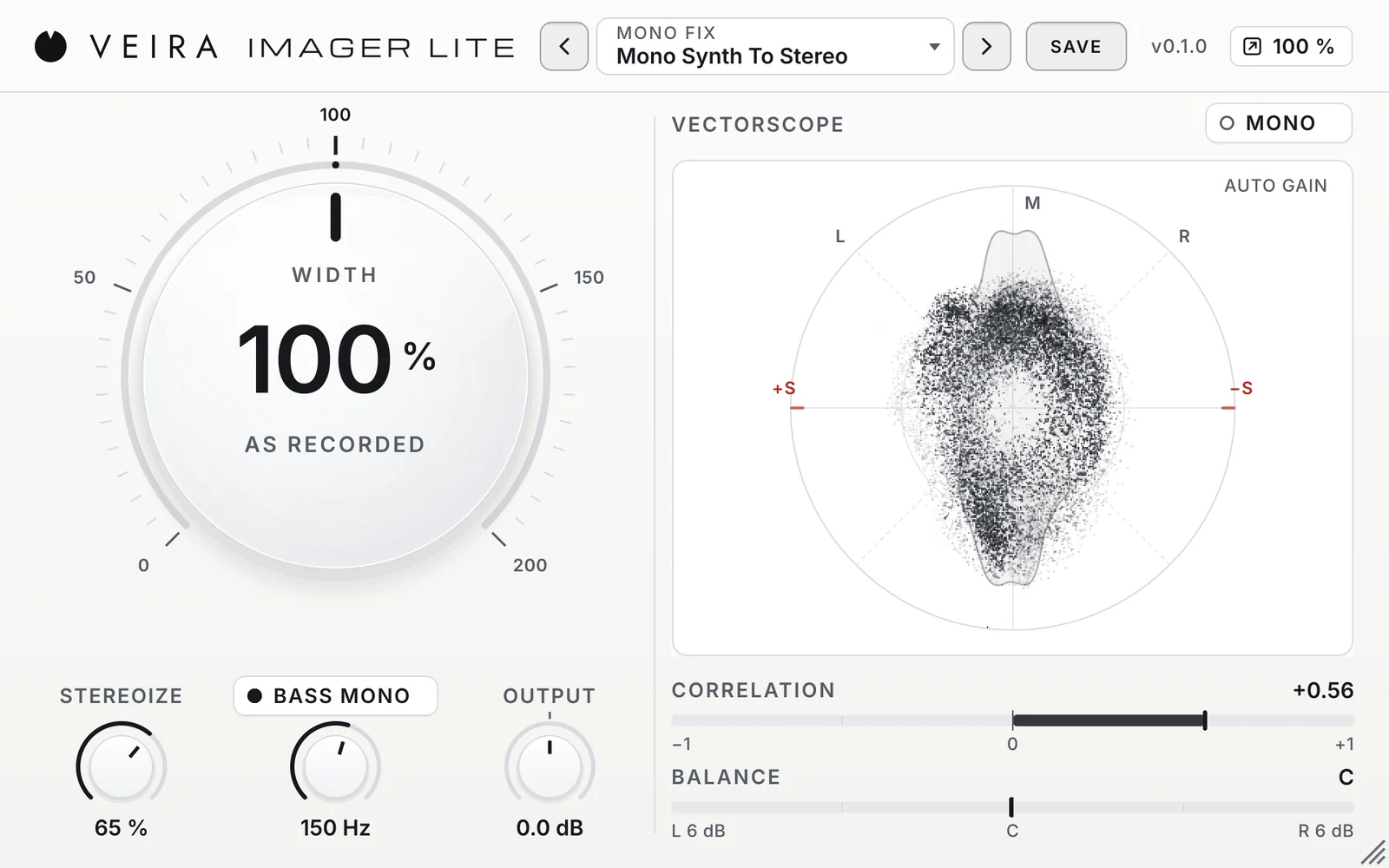
A wider mix sounds bigger, and a width knob is the fastest way to get there. It is also the easiest to overdo: most width controls get louder as they widen, so wider always sounds better, until the song is played on a phone and half of it has gone. VEIRA Imager Lite is built around one big WIDTH knob that takes the loudness out of the decision. This is how to use it.
Width is the balance of mid and side
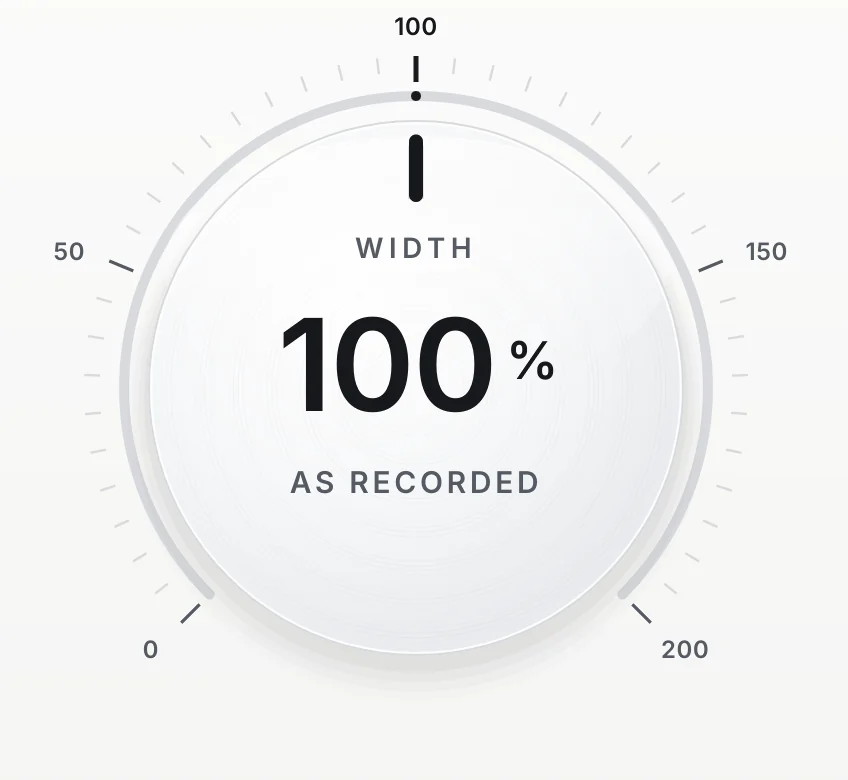
Any stereo sound has two parts. The mid is what left and right have in common: the centre, and exactly what a mono speaker plays. The side is the difference between them: everything that makes the sound wide. More side against the mid is wider, less is narrower, and none at all is mono. WIDTH sets that balance, from 0 % (mono) through 100 % (as recorded) to 200 % (twice the side against the mid).
Widen at the same loudness
Turning up the side adds sound, so an ordinary width control makes the track louder, and louder nearly always wins a quick comparison. WIDTH measures how much side and mid the music has and sets the level of both, so the loudness stays where it was: on a mix, the whole range from 0 to 200 % moves it by about 0.01 LU. What you hear when you turn the knob is the width.
- On a full mix, 110 to 125 % is clearly wider and 85 % is clearly tighter.
- On single tracks and buses you can go further: a drum room at 160 %, a bass at 50 %.
- At 200 % on a typical mix the centre is about 2 dB lower, which is what a mono listener hears. Check before you commit.
Make a mono part stereo
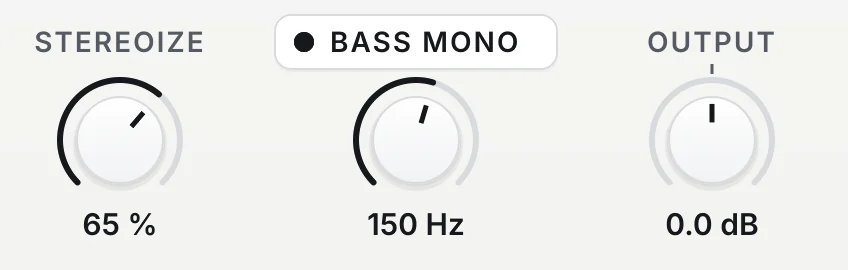
A mono synth or guitar has no side at all, so WIDTH has nothing to widen. STEREOIZE makes side for it: a copy of the mid, turned a quarter of a cycle, added to the side. A quarter turn is where two copies neither add up nor cancel, so the mono sum stays exactly as it was, left and right stay equally loud, and nothing goes out of phase. Compare that with delaying one side by a few milliseconds, which sounds wide in stereo and hollow in mono.
Keep the low end in the centre
Low notes work best from the centre: both speakers share the work, the bass sounds the same on every system, and nothing in the lows can cancel in mono. BASS MONO takes the stereo part out under a frequency you choose, 120 Hz by default, and never touches the mid, so the bass keeps its level. Switch it on whenever you widen: every factory preset that widens does.
Look, then listen in mono
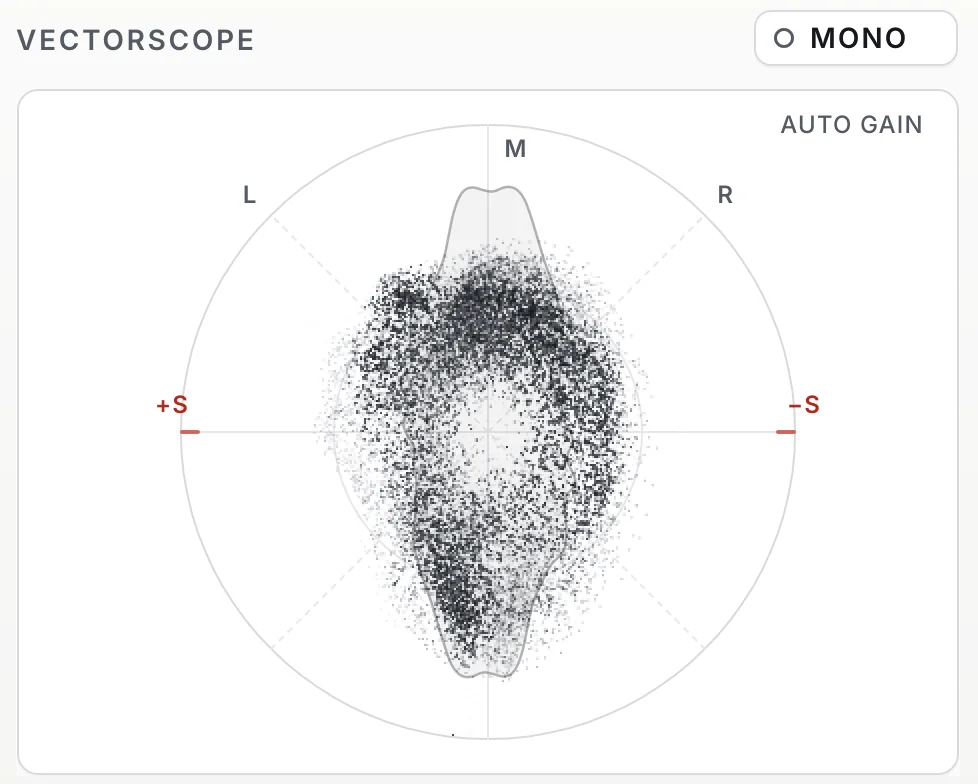
The VECTORSCOPE draws the shape of the image: an upright line is mono, a cloud taller than it is wide is a healthy stereo sound, and anything lying flat will cancel in mono. CORRELATION says the same in one number: keep it above 0. Then press MONO for a few seconds. If the voice and the snare stay where they were, the width is right; if they drop back, turn WIDTH down a little.
Where to start
Load a preset close to the job and adjust WIDTH: Gentle Width or Open Mix on a mix bus, Wide Overheads on drums, Mono Low End on a wide synth bass, Mono Synth To Stereo on a mono part. Read the page of VEIRA Imager Lite for every control. When different frequency ranges need different widths, VEIRA 6-Band Stereo Imager sets six bands separately.