Tuning a vocal so nobody hears it (and when you want them to)
How to tune a vocal with VEIRA Tune: set the key, choose how quickly notes are pulled, keep the vibrato, fix single notes by hand, and get the hard, stepped effect on purpose.
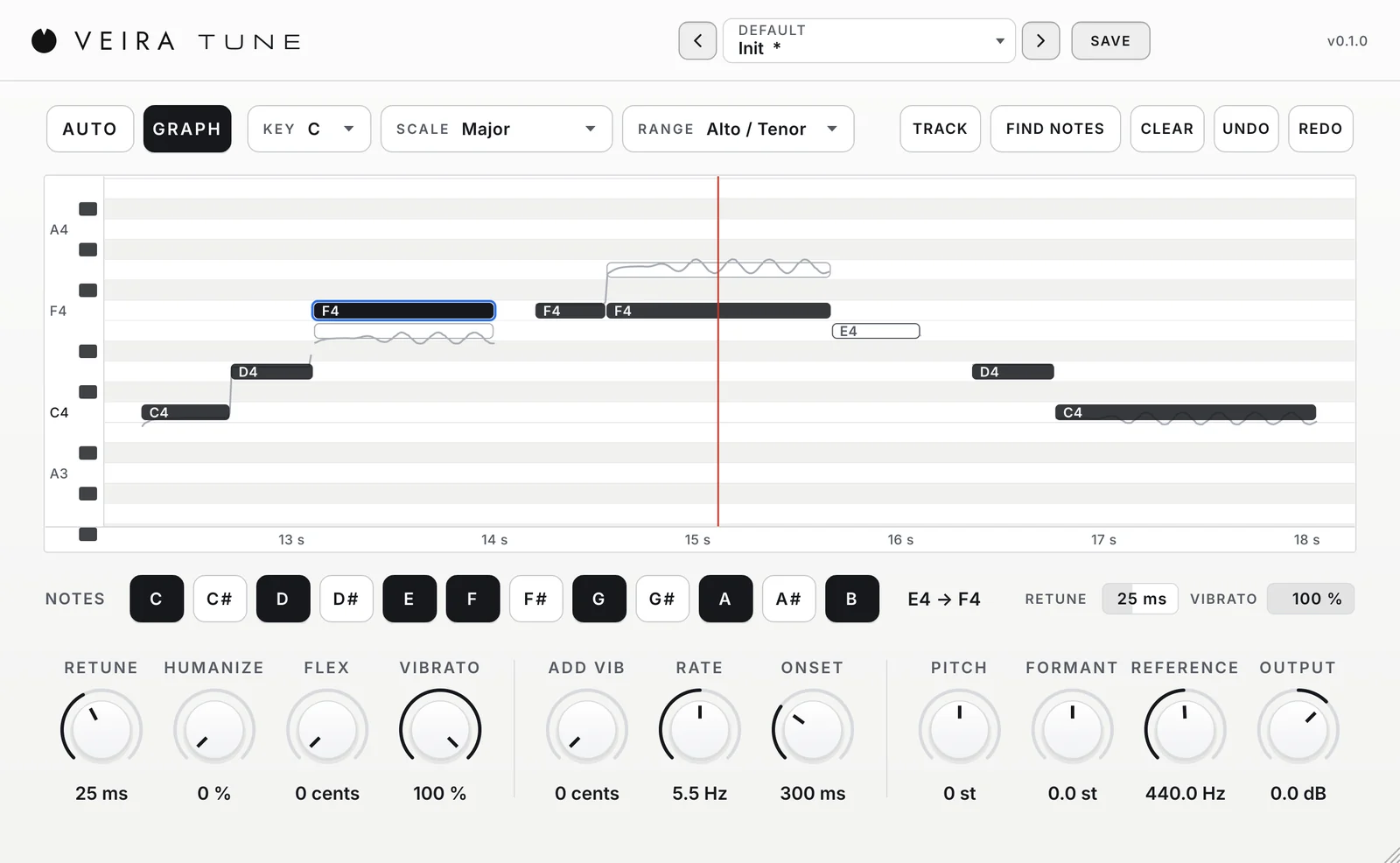
A good vocal take is about feeling first, and most great takes have a few notes that sit a little flat or sharp. Pitch correction lets you keep the take and fix the notes. Done well, nobody hears it; pushed hard, it becomes an effect of its own. VEIRA Tune does both, and this is how to use it for each.
Start with the key
Put the plugin first on the vocal track, before compression, reverb and delay, and choose the RANGE that fits the singer. Then set KEY and SCALE to the song’s. This matters more than any other setting: with the right notes switched on, a note that slips is pulled to the right neighbour instead of the nearest semitone. If the melody borrows a note from outside the scale, switch that note on in the NOTES row.
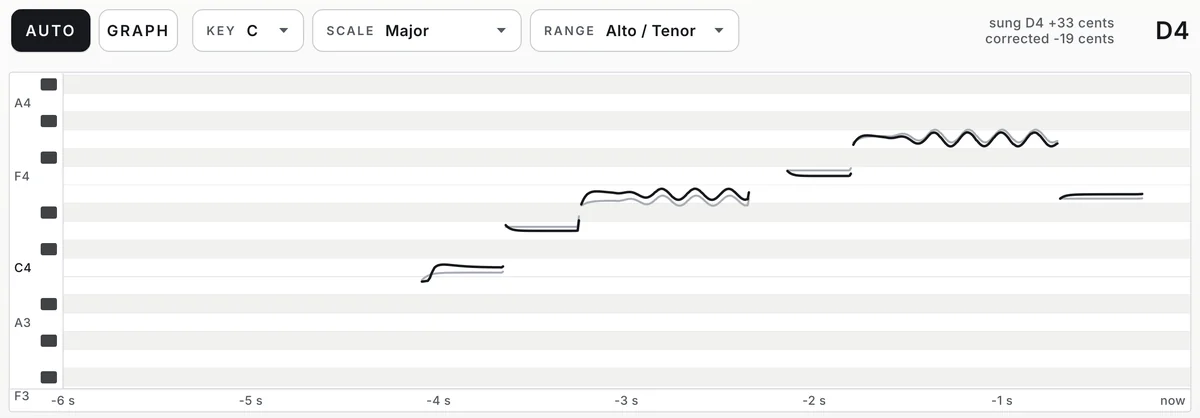
Natural: let the singer keep the performance
- RETUNE between 20 and 60 ms: fast enough to put held notes in tune, slow enough that slides and consonants pass as sung.
- VIBRATO at 100 %, so only the centre of each note moves and the singer’s own vibrato stays.
- HUMANIZE up a little, so long notes are pulled more slowly than quick ones.
- FLEX at 10 to 15 cents, so notes that are already close are not touched at all.
Listen in the mix, not in solo. If you hear the plugin working, raise RETUNE or FLEX; if a note still sounds out, lower RETUNE a little.
Fix single notes in GRAPH
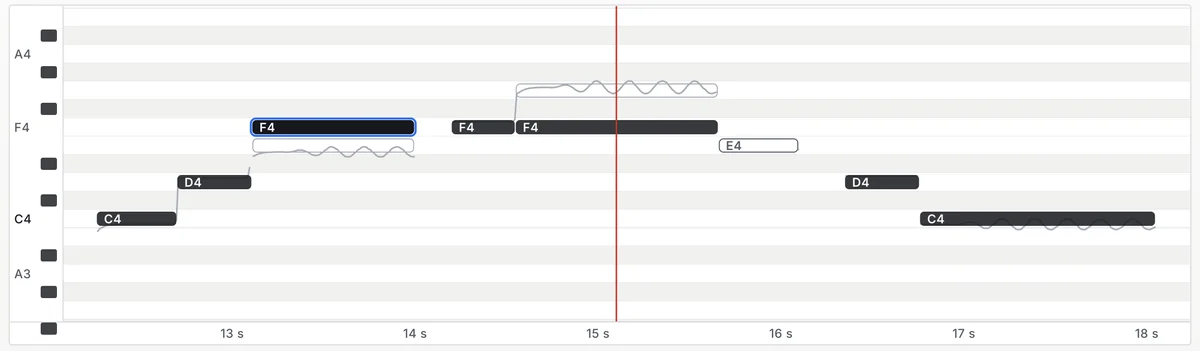
Sometimes one note needs more than the rest: a note that lands on the wrong pitch, or one long note that sounds stiff. Choose GRAPH, switch TRACK on and play the part once, then press FIND NOTES. The part appears as notes on the song’s timeline. Drag the wrong note where it belongs, double-click the notes you want left exactly as sung, and select a note to give it its own RETUNE and VIBRATO.
The hard effect, on purpose
For the stepped, robotic sound, set RETUNE to 0 ms and VIBRATO to 0 %: every note becomes a straight line and the changes between notes are instant. The effect lives in the slides between notes, so it works best on melodies that move. Set KEY and SCALE exactly, because here a wrong note is obvious. The Hard Tune presets start from this sound, for low and high voices.

Read the VEIRA Tune page for every control, or start from its 60 presets, sorted by what you are tuning. A preset never changes your key.