Using saturation so a sound cuts through without turning it up
Why harmonics make a part audible in a busy mix, what each harmonic adds, how to saturate one band instead of the whole sound, and how to judge it at the same level.
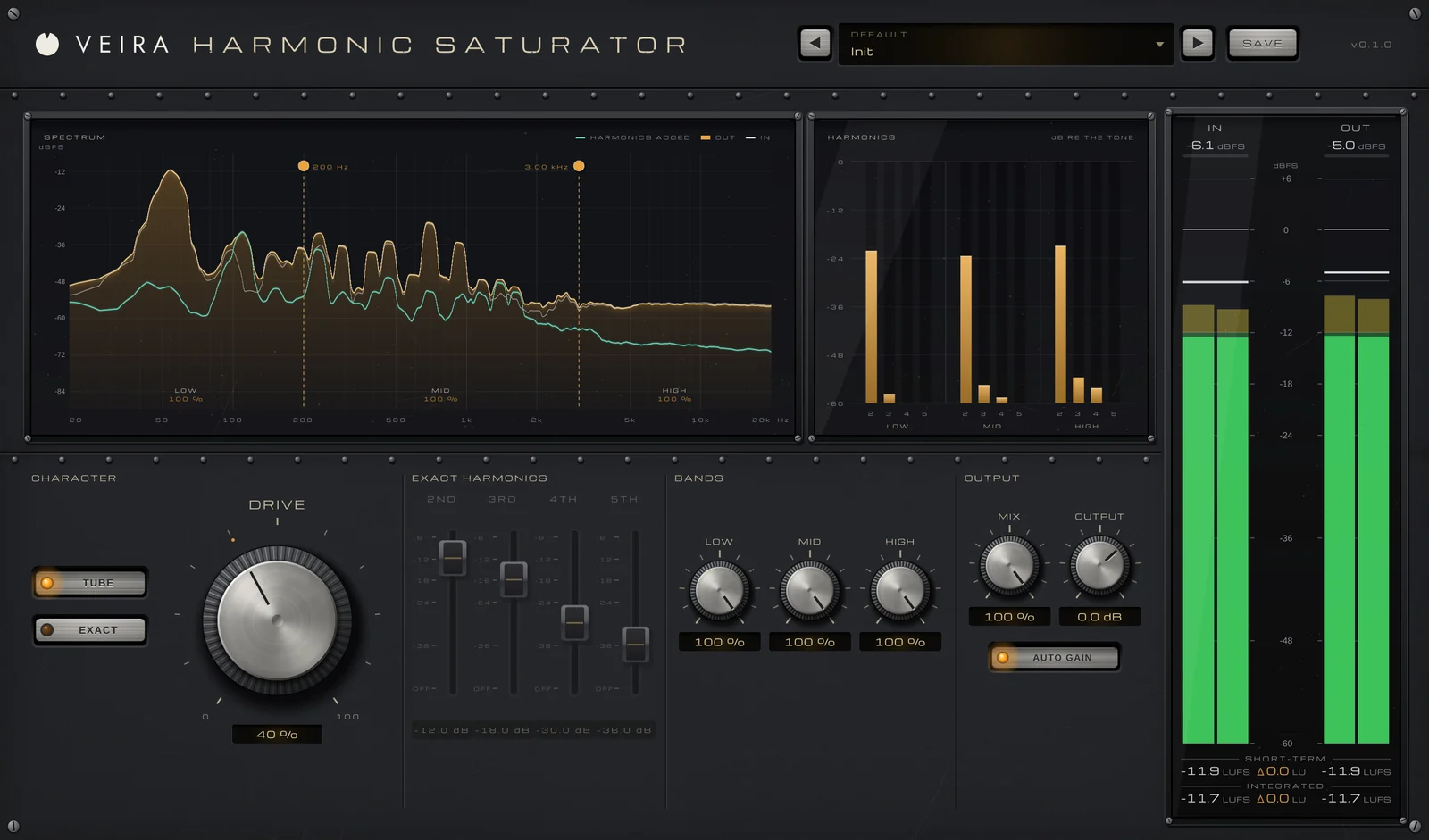
A part is lost in the mix. Turning it up makes it louder but not clearer, and boosting its top end makes it harsh long before it cuts through. Saturation is a third way: instead of making what’s already there louder, it adds new frequencies, harmonics, that follow the notes being played. The ear hears more detail and more presence, and the part comes forward at almost the same level.
Why harmonics help a part cut through
Harmonics sit at whole-number multiples of each note: twice its frequency, three times, four times and so on. That moves some of the sound’s energy out of a crowded range and up toward roughly 1–5 kHz, where the ear is most sensitive. A bass note at 55 Hz gains harmonics at 110, 165 and 220 Hz and up, which a small speaker can actually play. And because they follow the notes, they sound like the instrument itself rather than like an EQ boost.
Know what each harmonic does
Most saturators give you a blend of harmonics that shifts as you push them harder, but it helps to know what each one contributes.
- The 2nd harmonic is an octave above the note: it adds warmth and fullness, the sound people often describe as tube warmth.
- The 3rd adds edge and presence, and in larger amounts a more aggressive, driven sound.
- The 4th is two octaves up and adds brightness.
- The 5th and above add bite: a little helps a part cut, too much turns harsh or buzzy.
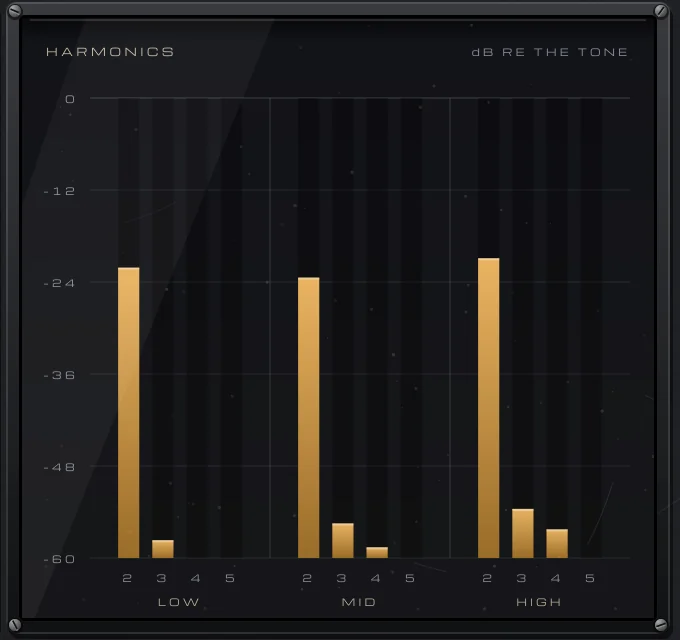
Saturate only the band that needs it
Driving a whole sound often adds color where you don’t want it. Drive the lows of a vocal and it turns muddy; drive a full drum kit and the cymbals fizz. Decide where the color should come from instead: warm only the lows of a bass so it reads on small speakers, add edge only to a vocal’s mids, or saturate just the top of a mix for air. Blending the saturated signal under the dry one, parallel saturation, adds density while keeping the transients intact.
Judge it at the same loudness
Saturation usually raises the level a little, and louder always sounds better at first. Match the output to the input and switch bypass on and off to compare. Then listen in the mix, not solo: a setting that sounds gritty on its own often just sounds present in context. The aim is to miss the saturation when it’s gone, not to hear distortion while it’s on.
Doing it with VEIRA Harmonic Saturator
VEIRA Harmonic Saturator adds harmonic color, band by band. TUBE drives a warm triode curve that adds mostly the 2nd harmonic and rounds the peaks softly, and follows the playing: louder moments saturate more. EXACT adds exactly the 2nd, 3rd, 4th and 5th harmonics you set on four faders, at the same balance at any level. DRIVE sets how much.
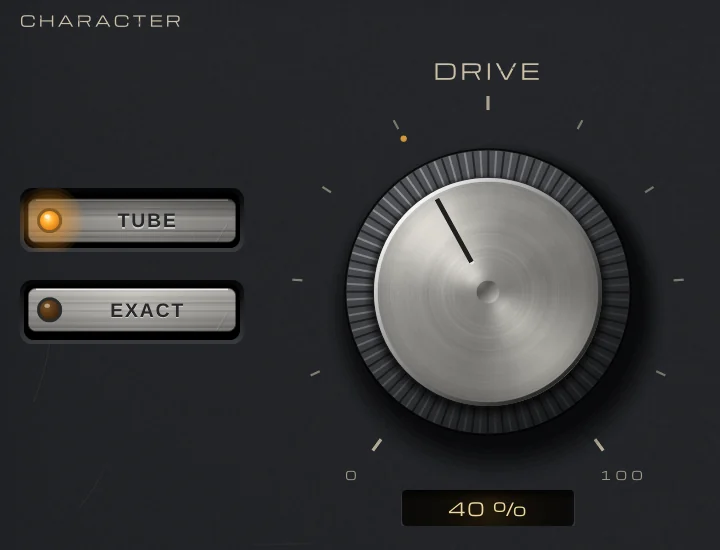
The LOW, MID and HIGH knobs set how much of the color is made from each band, and you drag the splits on the SPECTRUM display. Your signal itself is never filtered: only what the color adds is mixed in, and the display draws those harmonics on their own. AUTO GAIN keeps the loudness where it was, measured within 0.45 dB for TUBE and 0.25 dB for EXACT, so turning DRIVE changes the color, not the level. MIX blends it with the dry signal, in time, for parallel saturation.
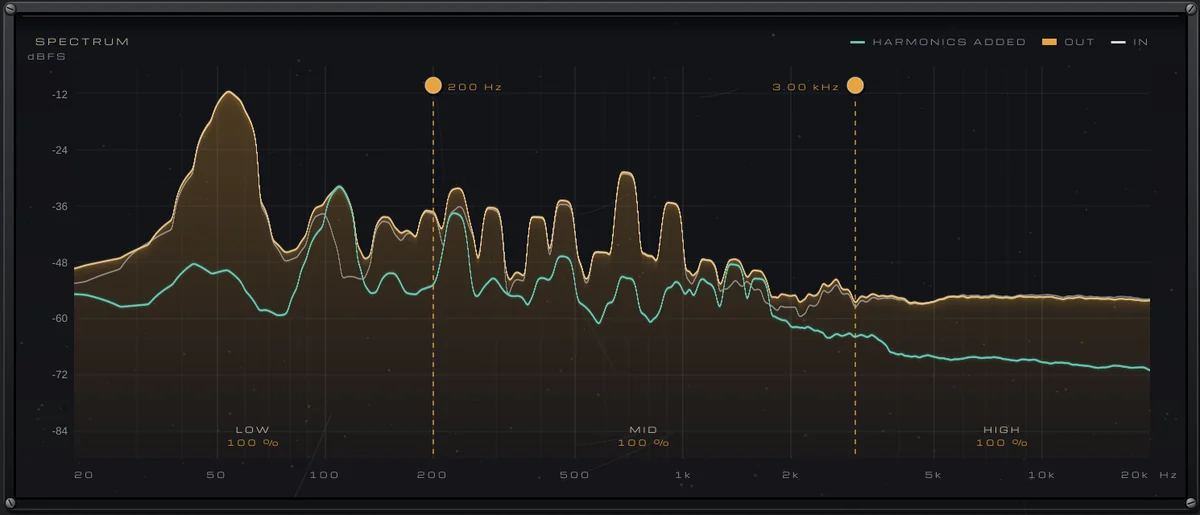
The split between the bands is linear phase, so every band stays in time with the dry signal. That costs about 25 ms of latency, which your DAW compensates on playback but which is too much to play through while recording, so it belongs at the mixing stage.