Cleaning up a noisy recording: hum, hiss, fans and room tone
How to tell the kinds of background noise apart, what gates and EQ can and can’t do about them, and how to remove noise without leaving artifacts or dulling the voice.
Not every recording happens in a quiet booth. Interviews get done in offices with a humming air conditioner, vocals get tracked in bedrooms next to a computer fan, and guitar amps bring their own buzz. Once the noise is recorded, it sits under every word, and compression and EQ boosts often make it louder. Cleaning it up is a matter of knowing what kind of noise you have and taking it out gently enough that the voice or instrument doesn’t suffer.
Know what you’re hearing
- Hum: a steady tone at the mains frequency, 50 or 60 Hz depending on the country, plus harmonics that reach well into the mids.
- Hiss: broadband noise, most audible in the top end, from preamps, old tape or a microphone turned up too far.
- Fans and air conditioning: a steady rush, often in the low mids, that can change with the fan’s speed.
- Room tone and traffic: the sound of the space itself, a low rumble and distant noise that rises and falls.
Steady noise is the easiest to remove. Noise that changes is harder, because whatever removes it has to keep up.
Start at the source
Every decibel of noise you don’t record is one you don’t have to remove. Before tracking, switch off what you can, move the microphone closer to the source and away from fans, and check cables and grounding for hum. Leave a few seconds of silence at the start of each take: they show you how much noise you’re dealing with, and they give a noise reducer something to learn from.
What gates and EQ can and can’t do
A gate mutes the track between words, which hides the noise in the pauses, but the noise is still there under every word, and the jump between silence and noise can be more noticeable than the steady noise was. A high-pass filter clears low rumble, and narrow cuts can take out hum and its harmonics, but EQ can’t separate hiss from the top of a voice that shares the same frequencies. Noise reduction works differently: it learns the noise’s spectrum and turns down, frequency by frequency, only what belongs to the background.
Take off less than you can
Push noise reduction too far and it leaves its own artifacts: a bubbling, watery sound in the background, a dull voice, or word endings cut short. A natural result usually leaves a little of the background in place, since the ear accepts a quiet, steady room far more easily than processing artifacts. Listen to what’s being removed: if you can hear words or the ring of a note in it, back off. And judge the result at the level the audience will hear it, with the rest of the mix playing.
Doing it with VEIRA Clean Up
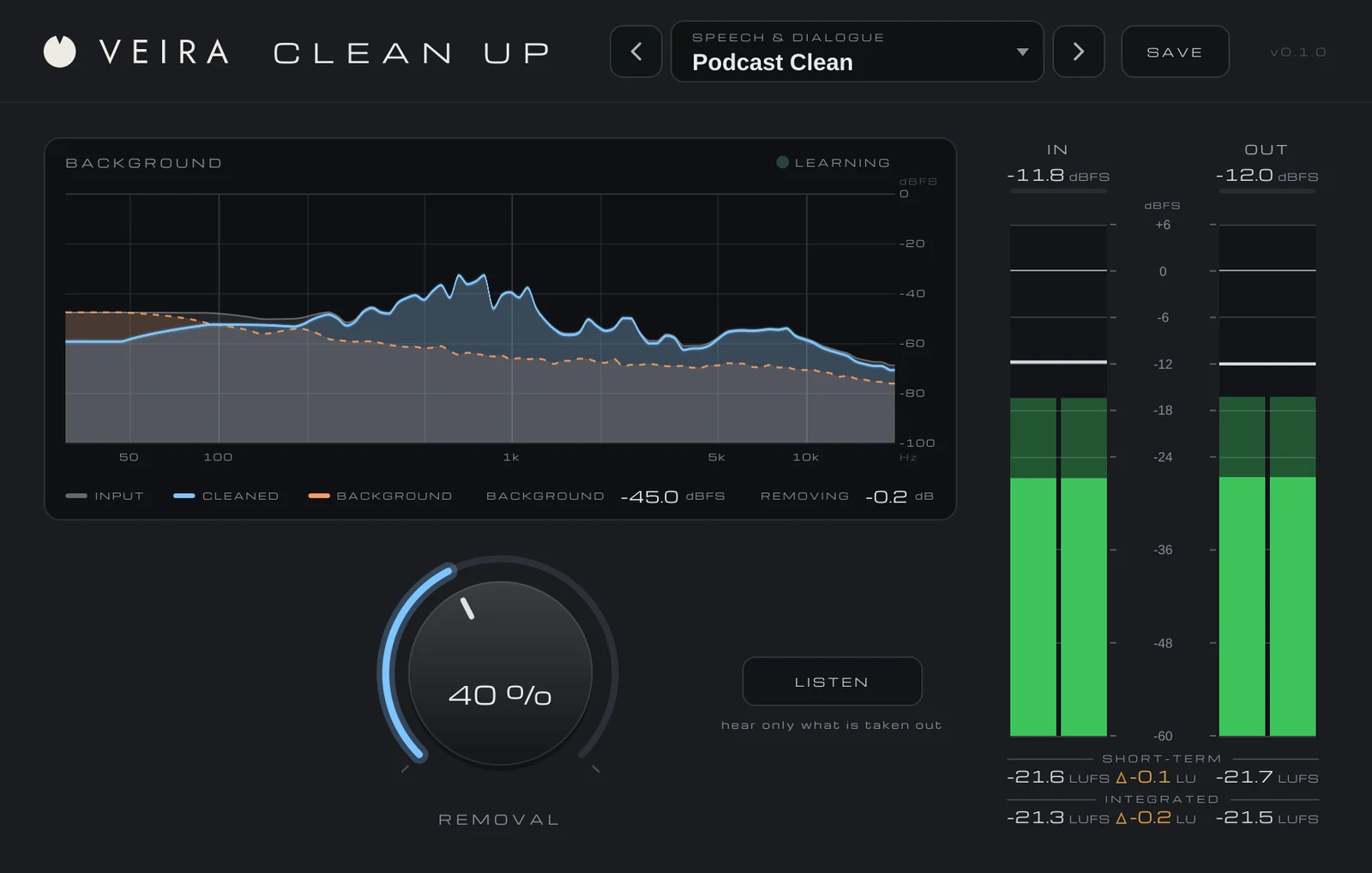
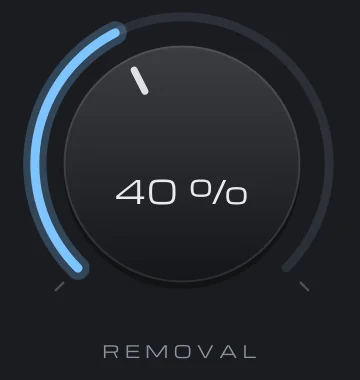
VEIRA Clean Up takes room tone, hiss, hum, fans and traffic out from under a voice or an instrument with one knob. REMOVAL sets how much goes: 10 dB at 25 %, 20 dB at 50 % and 40 dB at 100 %. In the pauses the background goes down by that much; under the voice only what is clearly background goes, so the voice keeps its level and its tone.
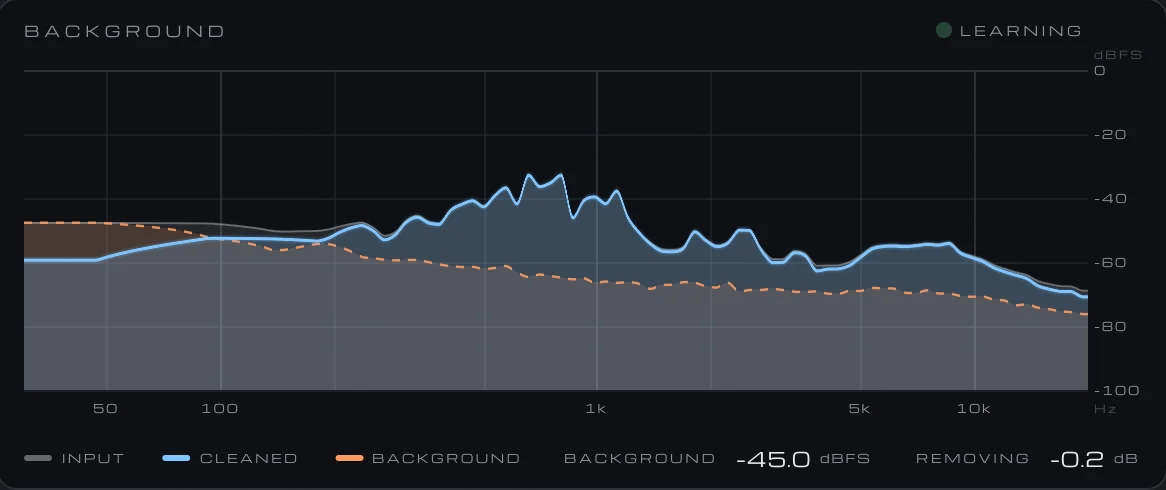
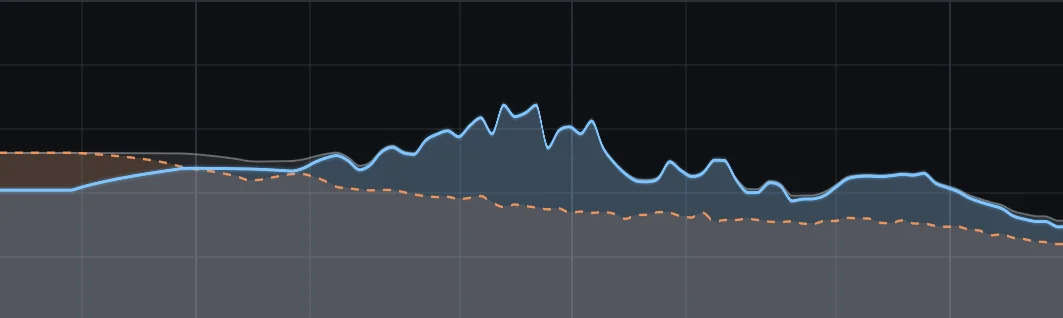
There’s no noise print to take: it learns the background by itself in the pauses and keeps that picture up to date while the recording plays, so a fan that speeds up or traffic that builds is tracked. Hum and its harmonics are learned like any other background. Sound without pauses, such as a held note or a strummed guitar that never stops, passes through unchanged. On the BACKGROUND display, the cleaned output sits on the input where the voice is and drops to the floor where there’s only background.
LISTEN plays only what is being taken out. What you want to hear is the background alone; if you can make out words or the ring of a note, REMOVAL is too high, so turn it down until they disappear. LISTEN is never saved in a preset and switches itself off when the host renders offline, so it can’t end up in an export by accident.