Building a vocal chain: what goes first, what goes last, and why
Which processors a lead vocal usually needs, the order that works for most voices, why each one sits where it does, and when it makes sense to break the rule.
A lead vocal rarely gets by with one processor. Most go through a short chain: something to clean it up, something to shape its tone, something to even out its level, something to tame the “s” sounds, and some space around it. Each processor hears what the one before it did, so the order changes the result as much as the settings do. Get it right and every stage has an easier job; get it wrong and you end up fighting your own chain.
Clean up first
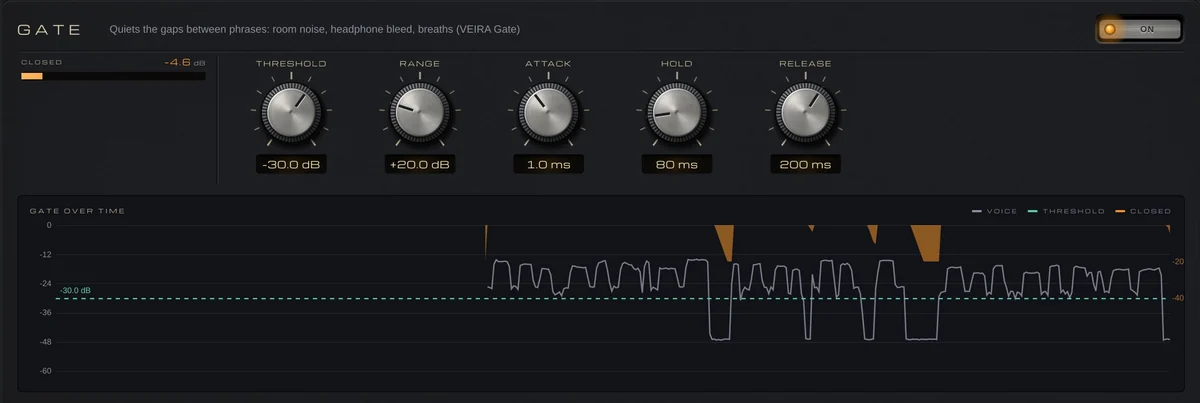
Start by removing what isn’t the voice. A high-pass filter takes out rumble, stand thumps and plosive pops; somewhere around 80 to 100 Hz is a common starting point for most voices, lower for a deep singer. A gate or a gentle expander can then quiet headphone bleed, room noise and loud breaths between phrases. Do this before anything that adds gain: a compressor brings up the quiet parts of a track, and the noise comes up with them.
Tune and shape before you compress
Pitch correction works best on a clean, dry voice, so it usually comes early, before anything that adds harmonics, echoes or reverb. Then EQ: cutting low-mid mud or a boxy resonance before the compressor means the compressor no longer reacts to it, so it works on the words rather than the room. Some split it: corrective cuts before the compressor, presence and air after.
The compressor then evens out the performance, so quiet words don’t vanish and loud ones don’t jump out; a few decibels of gain reduction on the loudest phrases is a common start.
De-ess after the compressor
Compression with makeup gain brings up everything it doesn’t turn down, including the sibilance, and a presence or air boost makes it sharper again. That’s why the de-esser usually sits after both: it catches the “s” sounds at the level they’ll actually be heard. If the sibilance is extreme, a light de-esser before the compressor stops it from triggering the compression too. A typical chain:
- Clean-up: a high-pass filter and any noise removal.
- Gate or expander, to quiet the gaps between phrases.
- Pitch correction, while the voice is still dry and clean.
- EQ: cut mud and boxiness, then add presence or air to taste.
- Compression, to even out the words.
- De-esser, to catch the sibilance the compressor and EQ brought up.
- Saturation, for color and density.
- Delay and reverb, last in the chain or on sends.
Color and space go last
Saturation after the dynamics adds density and harmonics to a level that’s already even, so the effect stays consistent from word to word. Delay and reverb come at the very end, or on sends, so their tails aren’t squeezed by the compressor or brightened by the EQ.
Know when to break the rule
The order above is a starting point, not a law. EQ after the compressor keeps your boosts exactly as set; saturation before it gives a grittier sound. Swap two processors and compare at matched level, because louder almost always sounds better at first.
Doing it with VEIRA Vocal Strip
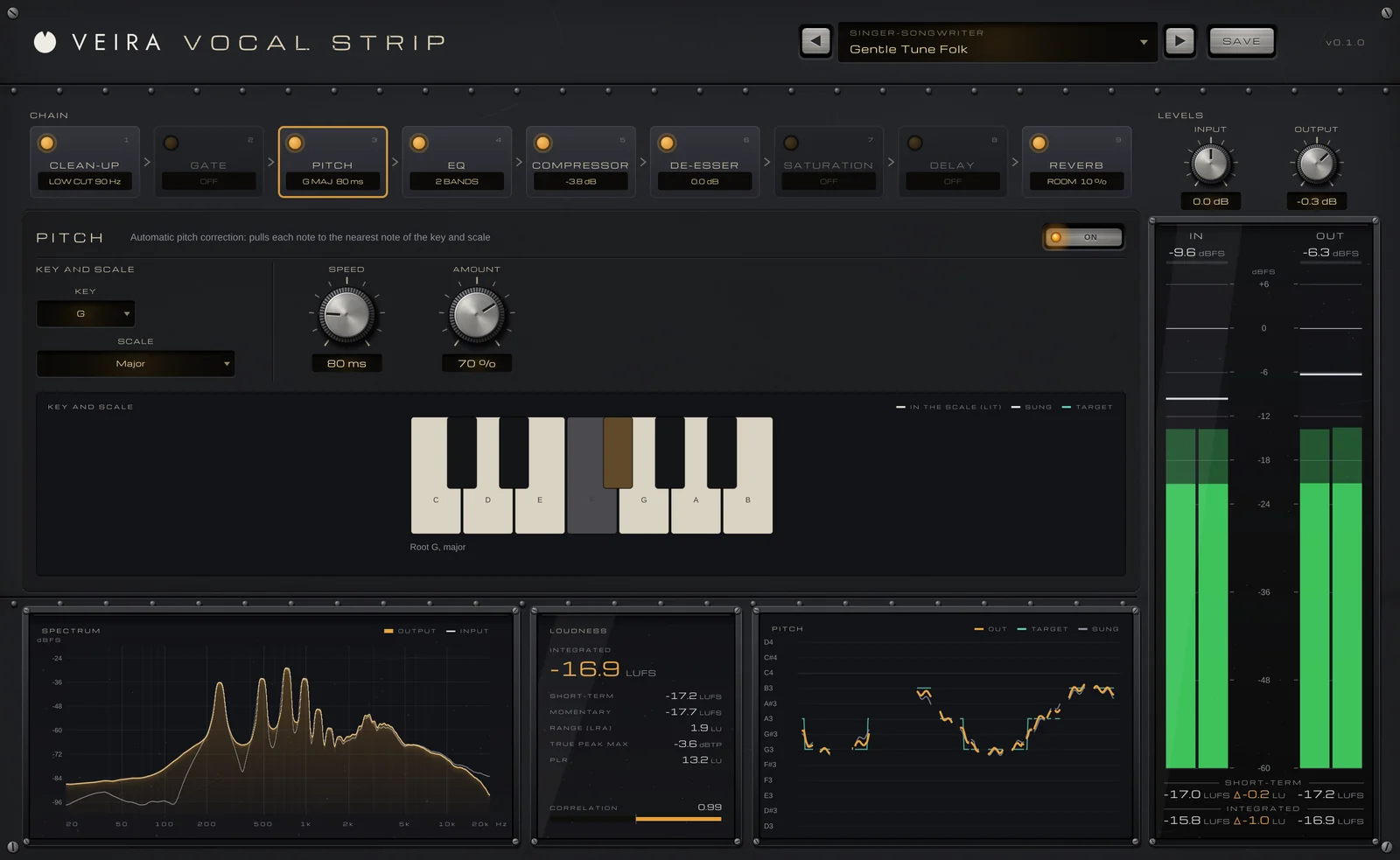
VEIRA Vocal Strip puts the whole chain in one console: nine modules, CLEAN-UP, GATE, PITCH, EQ, COMPRESSOR, DE-ESSER, SATURATION, DELAY and REVERB, sitting in the order a vocal is usually processed. When it opens, the standard strip is on: CLEAN-UP, EQ, COMPRESSOR and DE-ESSER. Click a card to open its controls, drag it to move it and click its lamp to switch it on or off. A new order fades out over 15 ms and back in, so nothing clicks while you try the alternatives.

PITCH pulls each note to the nearest note of the KEY and SCALE: a SPEED of 20 to 60 ms is natural correction, and 0 ms snaps at once for the hard effect. The COMPRESSOR looks 2 ms ahead so the start of each word is caught, and its detector ignores what’s under 60 Hz, so plosives don’t pump it. The DE-ESSER compares the sibilance band with the voice’s own level, so it does the same on a quiet take and a loud one.
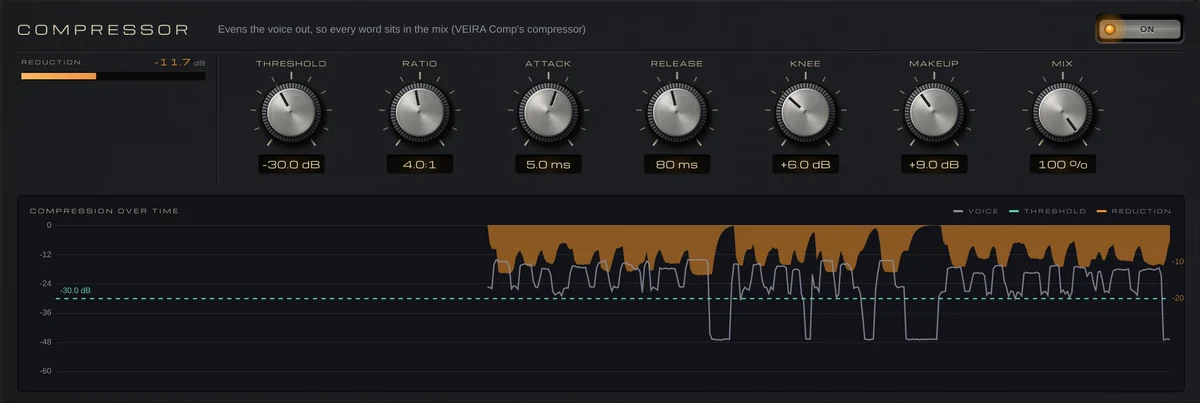
Every module shows what it does in its own display, and the latency is a constant 60 ms at 48 kHz, so the voice stays in time whatever you change. It’s built for mixing, not for monitoring while you record. Its 71 presets, in ten folders such as Pop Vocals, Backing Vocals and Podcast & Voice-Over, each come with a note saying what to set first.