Parallel compression on drums: punch and body at the same time
How parallel (“New York”) compression works on a drum bus, how to set it up without phase problems, and how to blend it so the kit gets bigger, not just louder.
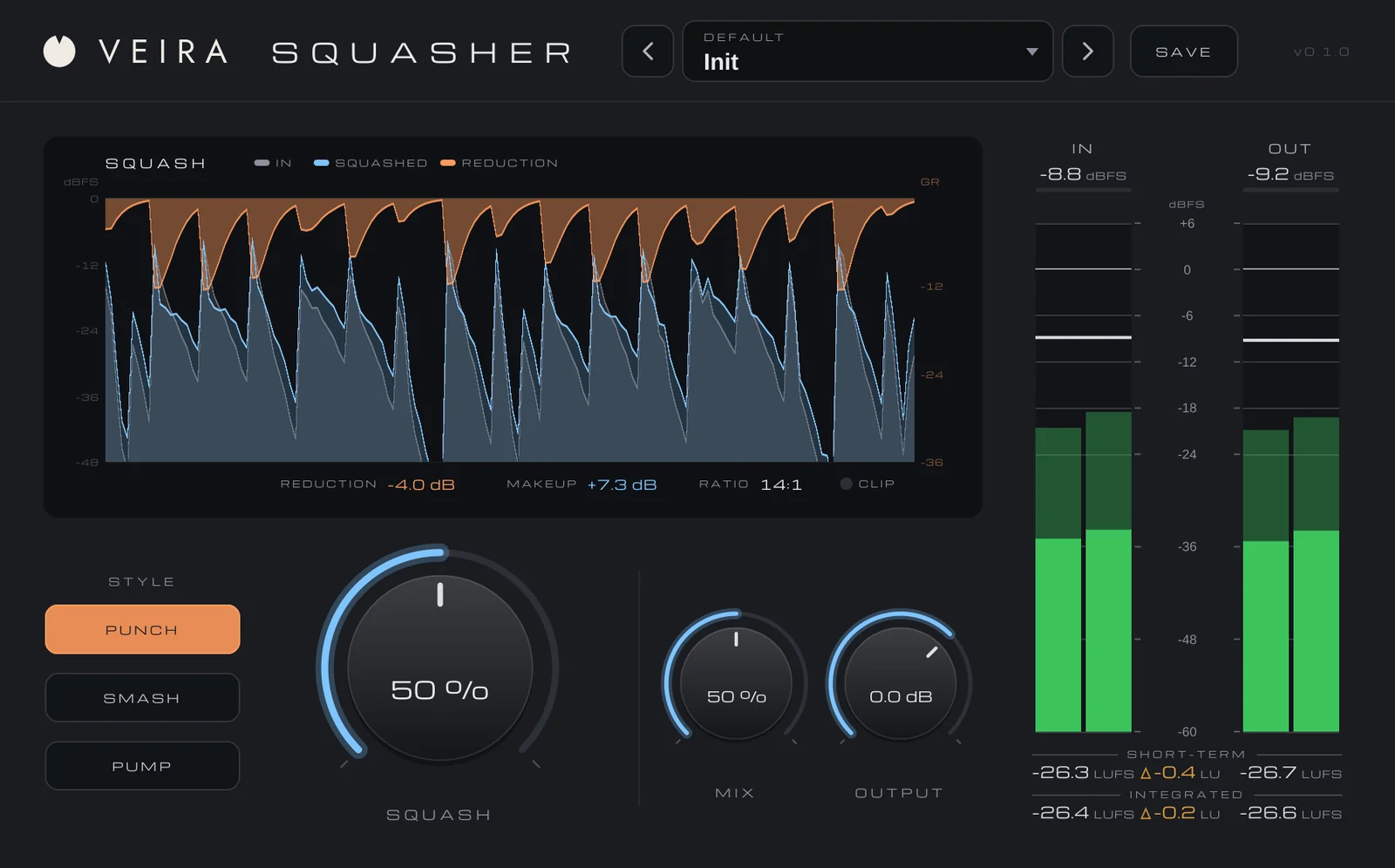
Compress a drum kit hard and the body, the room and the ghost notes come up, but the front of every hit gets flattened. Compress it gently and the hits keep their punch, but nothing much changes. Parallel compression gets you both: a heavily compressed copy of the drums is blended under the untouched drums, so the dry kit carries the transients and the squashed copy fills in everything between them.
Set it up
The classic way is an aux: send the drum bus (or the individual drum tracks) to a second bus, put a compressor on that bus, and set both faders by ear. The other way is a compressor with a MIX or dry/wet control on the drum bus itself. Either works, as long as the two paths stay lined up in time.
That last part matters more than any setting. If the compressed path is delayed against the dry one, even by a fraction of a millisecond, the two combine with comb filtering: the kit gets hollow and phasey instead of bigger. Keep your DAW’s delay compensation switched on, and be wary of plugins on only one of the paths that add latency without reporting it.
Squash it more than feels sensible
On the parallel path, you’re not looking for a natural sound. Start with a high ratio, a fast attack, a release that lets go before the next hit at the song’s tempo, and a threshold low enough to take 10 dB or more off. Solo it: it should sound crushed, with the room and the snare’s body almost as loud as the hits. That’s the right sound for something that’s going to sit underneath.
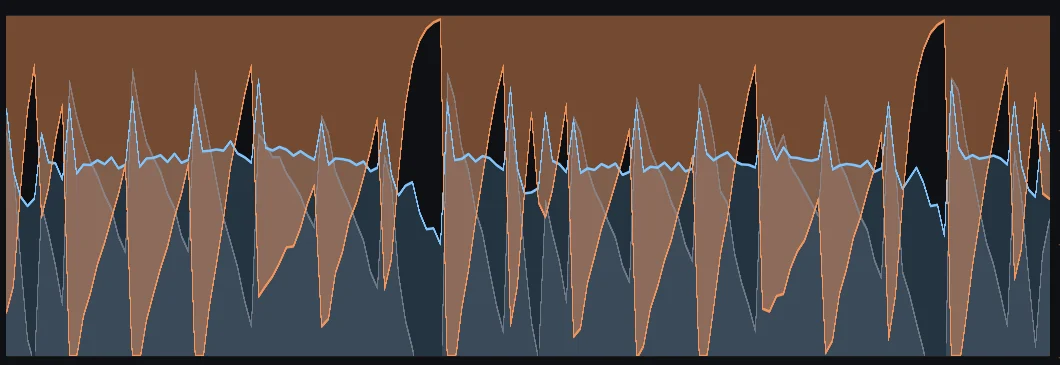
Some engineers also EQ the parallel path: a high-pass so the kick’s lows don’t thicken up the whole bus, or a lift of the top for extra cymbal and room. Try it once the blend works.
Blend from silence, then match the level
- Start with the parallel path all the way down and bring it up until the kit feels thicker, then back it off a little. Usually it’s further down than you expect.
- Compare at the same loudness. Adding a second signal makes the bus louder, and louder always sounds better, so turn the bus down to match before deciding whether it’s really an improvement.
- Watch the cymbals. A hard compressor brings them up too, and too much of the parallel path turns hi-hats and crashes into a wash.
- A slow release that makes the room swell back after every kick is a sound of its own: lovely on big, ambient rock drums and dance music, distracting on a tight funk groove.
Doing it with VEIRA Squasher
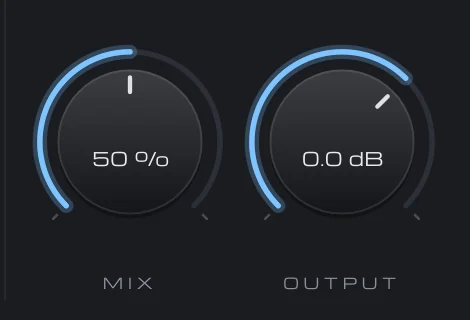
VEIRA Squasher is parallel compression for a drum bus on one knob. SQUASH moves the threshold and the ratio together, from 10:1 up to 100:1, measured against the drums’ own peak level, so 50 % does the same on a quiet bus and a hot one. An automatic makeup brings the squashed drums back to the dry kit’s loudness, within about 1 dB in tests, so turning SQUASH changes the density, not the level, and the comparison stays fair.
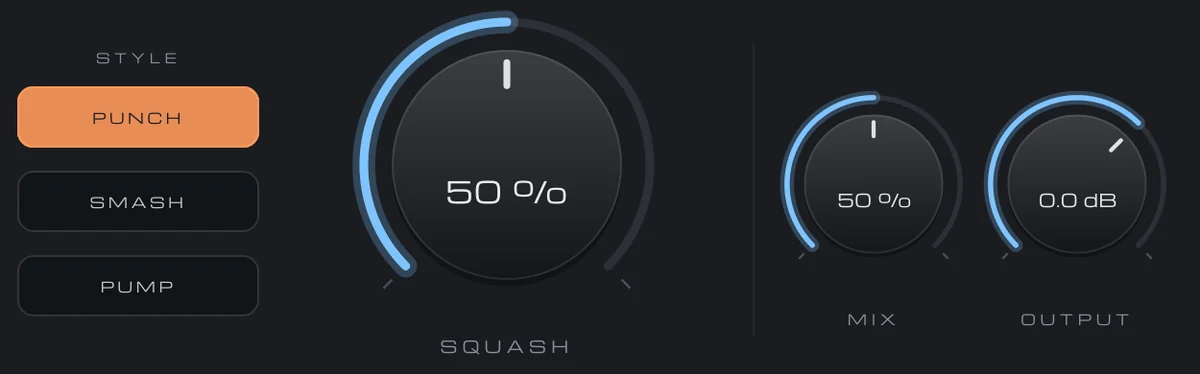
MIX blends the squashed drums under the dry ones lined up to the sample, so there’s no comb filtering, and its 64 samples of latency are reported to your DAW. STYLE picks the character: PUNCH for the classic parallel sound, SMASH for the all-buttons-in sound that adds grit tucked under the kit at 20 to 40 %, and PUMP, where the kick pushes the room and cymbals down and they breathe back between the hits.