Ambient beds for picture: describe it, shape it, drag it in
How to make a long ambient bed for a film, a video or a game with VEIRA Atmosphere: describe the scene in words, set the mood and the layers, keep it under the dialogue, and loop it without a seam.
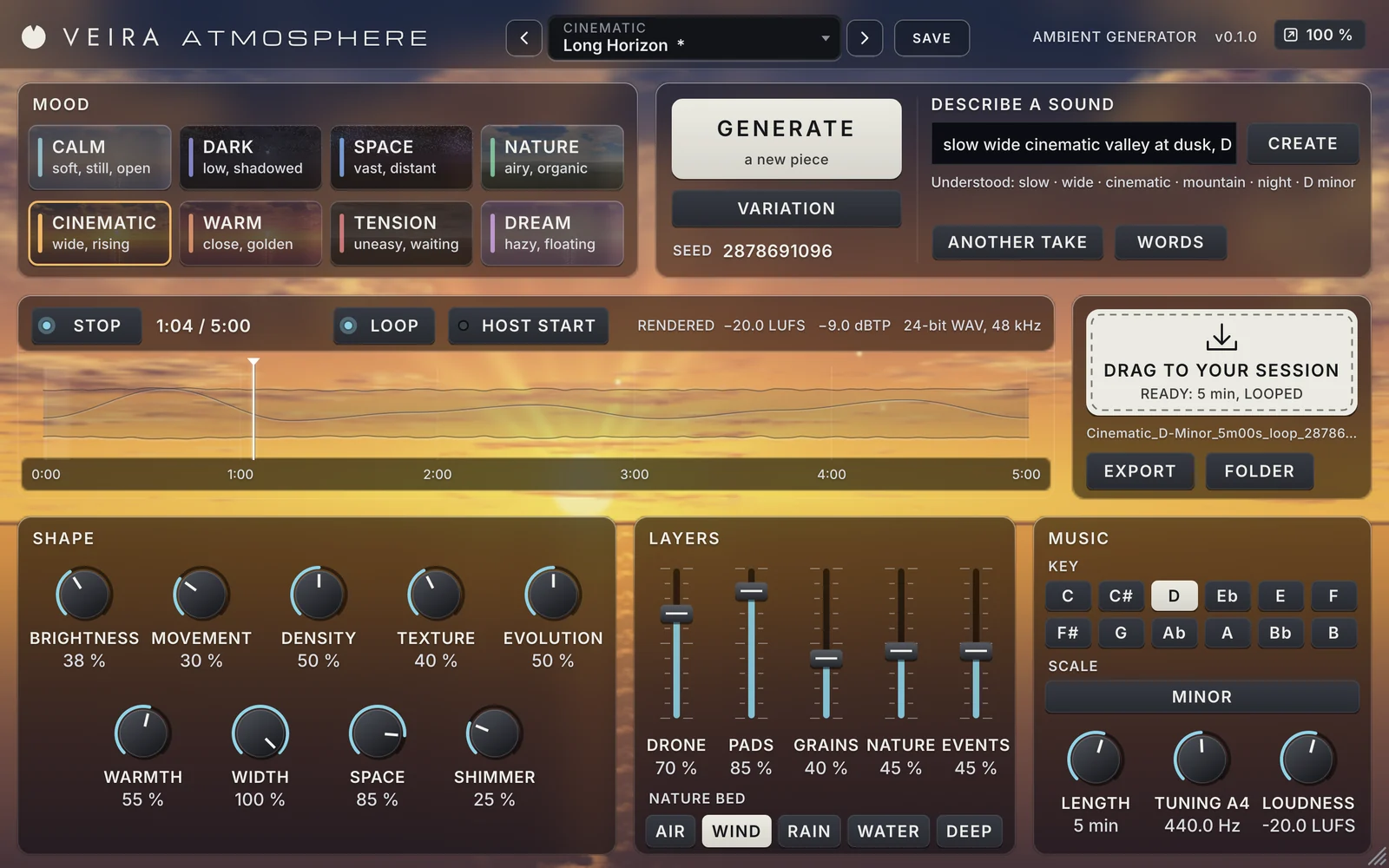
Most scenes need sound under them that nobody notices: a room tone with a little harmony in it, wind behind a lonely shot, rain on a window, a slow swell under a title. Library tracks rarely fit the length or the key, and making a bed by hand takes hours. VEIRA Atmosphere generates long ambient pieces, from 30 seconds to 30 minutes, and hands you a finished WAV to drag into your session; this is how to use it for picture.
Start with words
Describe the scene the way you would brief a composer, in a few words, and press CREATE: “dark rain over a distant city at night”, “warm fireplace, slow, in F major”, “tense, evolving, 3 minutes”. The words it knows set the mood, the nature bed, the space, the brightness, the key and the length, and the panel shows what it understood, so you can see why it sounds the way it does. It runs inside the plugin, offline, and the same words always give the same piece.
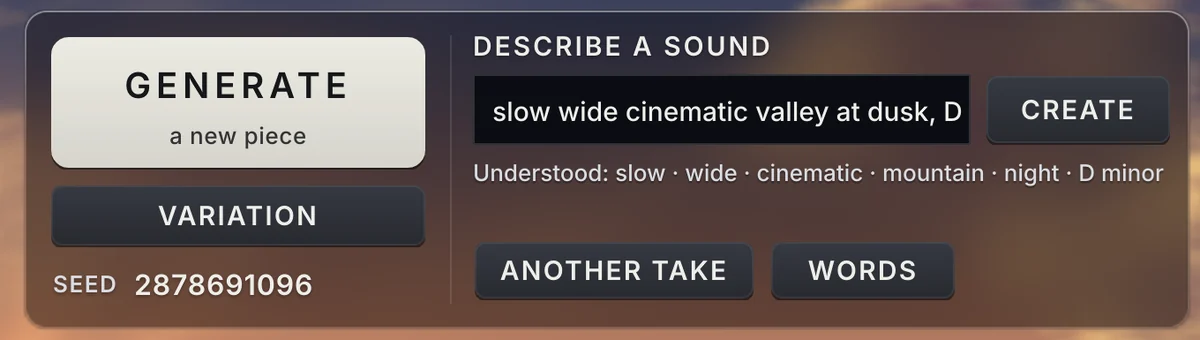
- Say what you don’t want: “no bells” leaves out the events, “no rain” takes the rain away.
- Use “very” and “slightly” for more or less of the next word.
- Press ANOTHER TAKE for a new piece from the same description, or VARIATION for a close relative of the one you like.
- WORDS lists every word it knows, in English with common Spanish and German ones.
Keep it under the dialogue
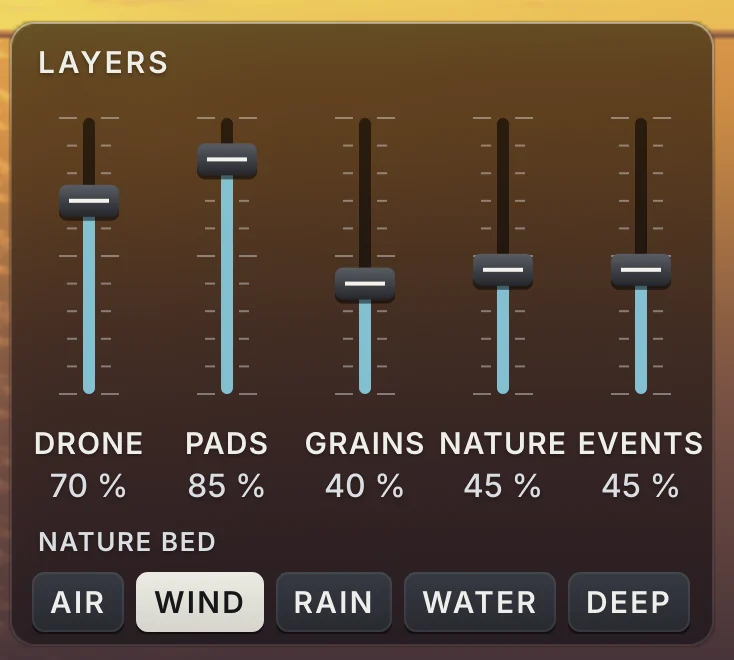
A bed has to leave room. Lower DENSITY so fewer events and simpler chords call for attention, keep EVENTS low, and let the PADS and the DRONE carry it. Every file comes out at −20 LUFS with its true peak under −1 dBTP, a level that sits under dialogue and music without touching the mix; raise LOUDNESS only for a piece that leads. WARMTH softens the top so it stays out of the way of voices.
A place, not just a pad
The nature bed gives the scene a place: air for a quiet room, wind for an open landscape, rain for a window, water for a shore, a deep rumble for a city at night or a ship. Raise NATURE and lower PADS for a pure ambience; raise the music for an emotional beat. Set KEY and SCALE to the key of your score, and the bed will sit with the music around it.
Loops for games, one-shots for scenes
With LOOP on, the end of the piece flows into its start, so the file loops in a game engine, an installation or a menu screen without a seam. With LOOP off, it fades in from silence and out to silence, ready to sit under a scene. Set LENGTH to a little more than you need, from 30 seconds to 30 minutes; the piece renders in the background while you listen, so the drag is instant.
Read the page of VEIRA Atmosphere for every control, or start from its scenes: Still Water Morning for calm, Cellar Hum for horror, Rain on the Canopy for weather, Long Horizon for titles and Something in the Fog for suspense.